PLANNER & SITE TEAM GUIDE · Updated November 4, 2026
Understand earned value: PV, EV, AC, SPI and CPI
Spending less than planned does not necessarily mean a project is performing well. Earned value connects the work achieved to its budget and actual cost, so planners can ask better questions about progress.
The five measures
| Measure | Meaning | Formula |
|---|---|---|
| PV — Planned Value | Budget assigned to the work scheduled by the reporting date. | From the time-phased plan |
| EV — Earned Value | Budgeted value of work actually accomplished. | From the agreed progress measurement method |
| AC — Actual Cost | Cost incurred for the work performed. | From recorded actuals |
| SPI — Schedule Performance Index | Earned work compared with scheduled work, in budget terms. | EV ÷ PV |
| CPI — Cost Performance Index | Earned work compared with actual cost. | EV ÷ AC |
These definitions and ratios follow the earned value framework described in Department of Energy guidance. DOE terminology and DOE performance calculations.
A simple construction example
Suppose 100 foundations have a total budget of €100,000. By the reporting date, the plan calls for 50 accepted foundations, but 40 are complete and actual cost is €45,000. For this simplified example, each accepted foundation earns an equal €1,000 of budget value.
- PV = €50,000: the planned 50 foundations.
- EV = €40,000: the completed 40 foundations.
- AC = €45,000: the actual cost incurred.
- SPI = 0.80: less budgeted work was earned than planned.
- CPI ≈ 0.89: each euro spent earned about €0.89 of budgeted work.
Schedule variance is EV − PV = −€10,000; cost variance is EV − AC = −€5,000. Schedule variance here is expressed in budget value, not days. SPI of 0.80 does not mean the completion date is exactly 20% late.
Open earned value in XER Viewer
- Open the XER and check its data date. Confirm it contains suitable cost or labor-unit data.
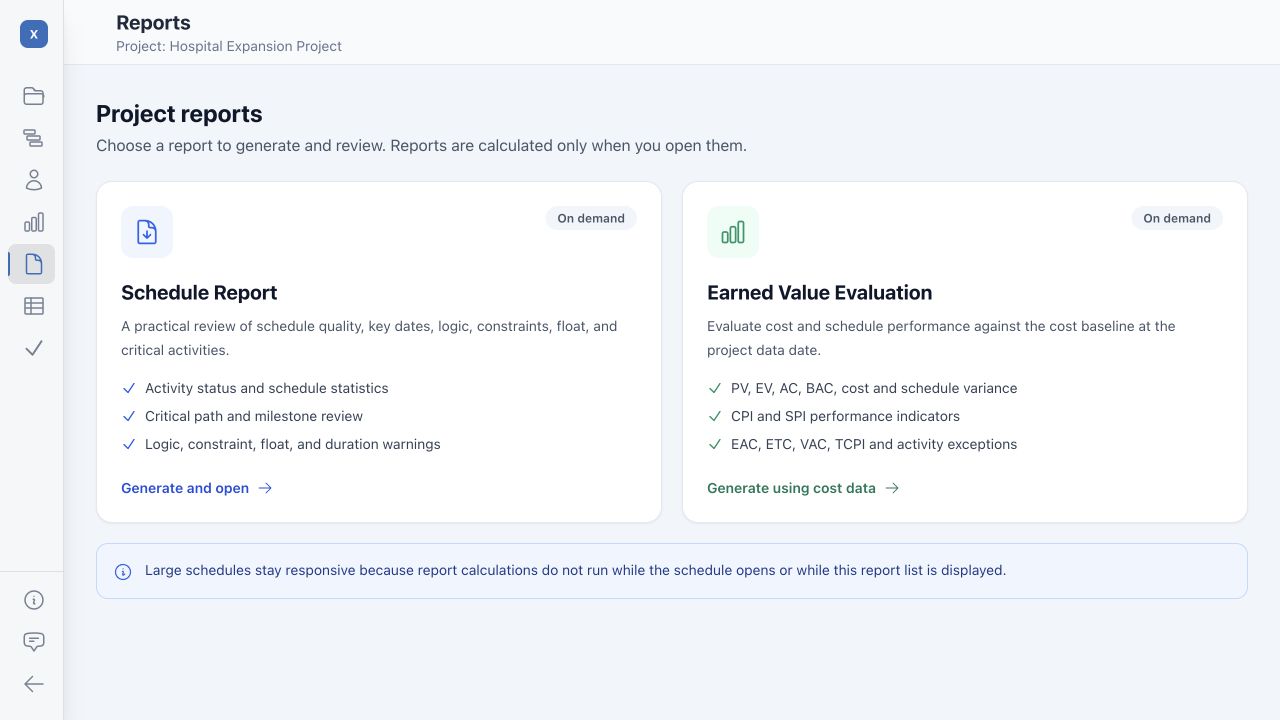
- Choose Reports → Earned Value Evaluation. Availability depends on the data in the export.
- Read the basis and notes. The app prefers cost data and can fall back to labor units when suitable cost data is unavailable. Labor-unit results are not currency-based financial performance.
- Inspect PV, EV, AC and BAC. Compare the totals with the source schedule and approved reporting basis before using the ratios.
- Review detail. Explore WBS summaries, activity exceptions and periodic/cumulative charts. Open the report's calculation guide to understand how the app derives values.
- Prepare the output. Rearrange or hide widgets as needed, then use the report's print control to share the chosen layout as paper or PDF.
Check the inputs before trusting an index
XER Viewer derives its evaluation from the exported schedule fields and its documented calculation rules. A report being available does not establish that the data matches an approved performance measurement baseline, accounting ledger or formal EVMS.
Missing planned dates can understate PV. A missing data date prevents a meaningful planned-value cutoff. If actual cost is zero, CPI and CPI-based forecasts cannot be calculated reliably. A missing value is not evidence of perfect performance.
Use the same units and scope throughout. Do not combine labor-hours with currency. Verify the progress measurement method, resource quantities and actuals with the planner or cost controller.
Use earned value alongside schedule logic
SPI and CPI summarize performance but can hide individual work-front problems. Review the critical path, milestone forecasts and resource demand alongside them. Traditional SPI can converge to 1 when all scope is earned even if completion was late; it is not a replacement for finish-date analysis.